
Thirteen speech models and not one network call
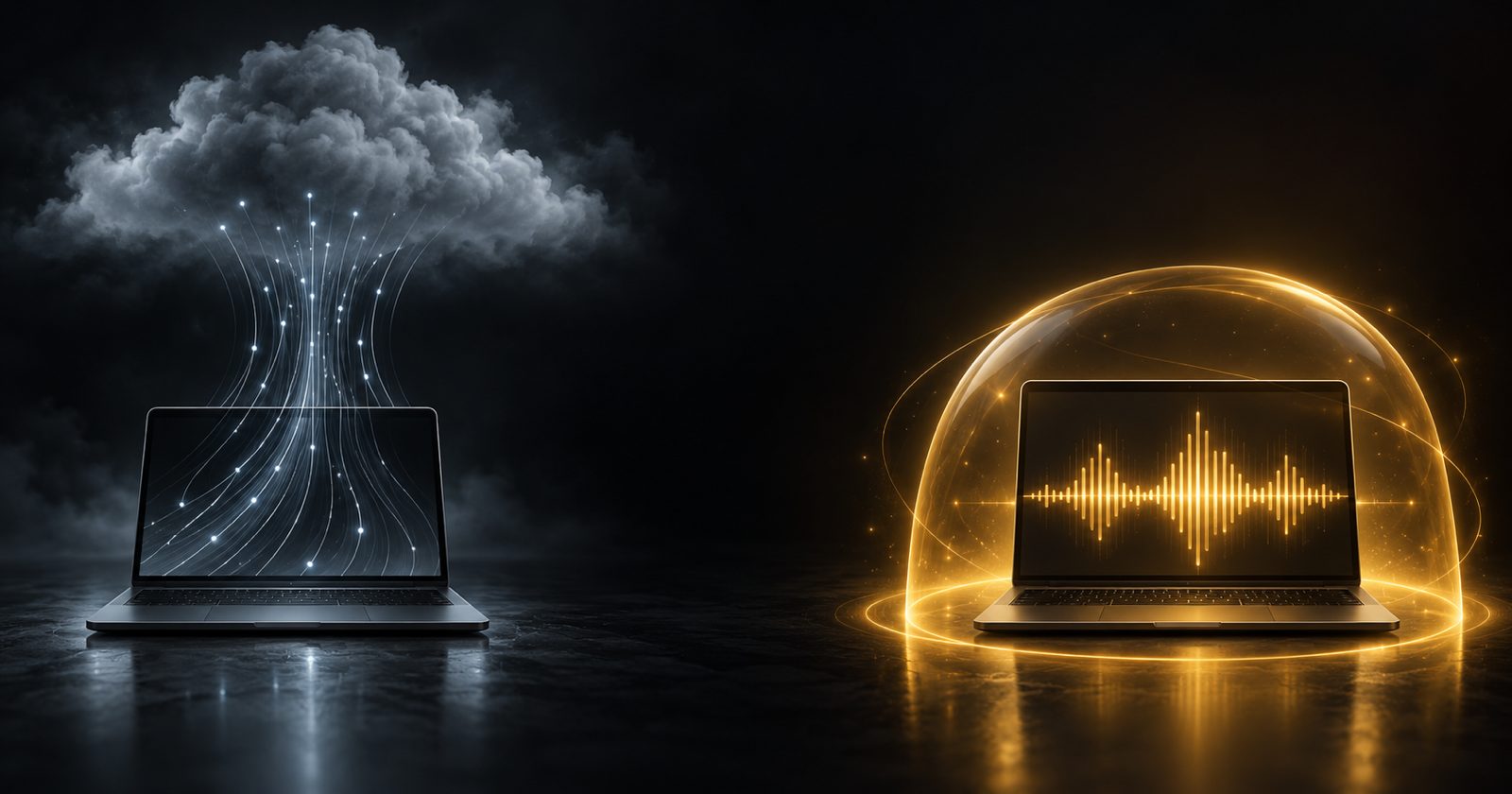
On-device dictation is not a privacy feature bolted onto a cloud product. It changes what the software is allowed to cost.
1 min read

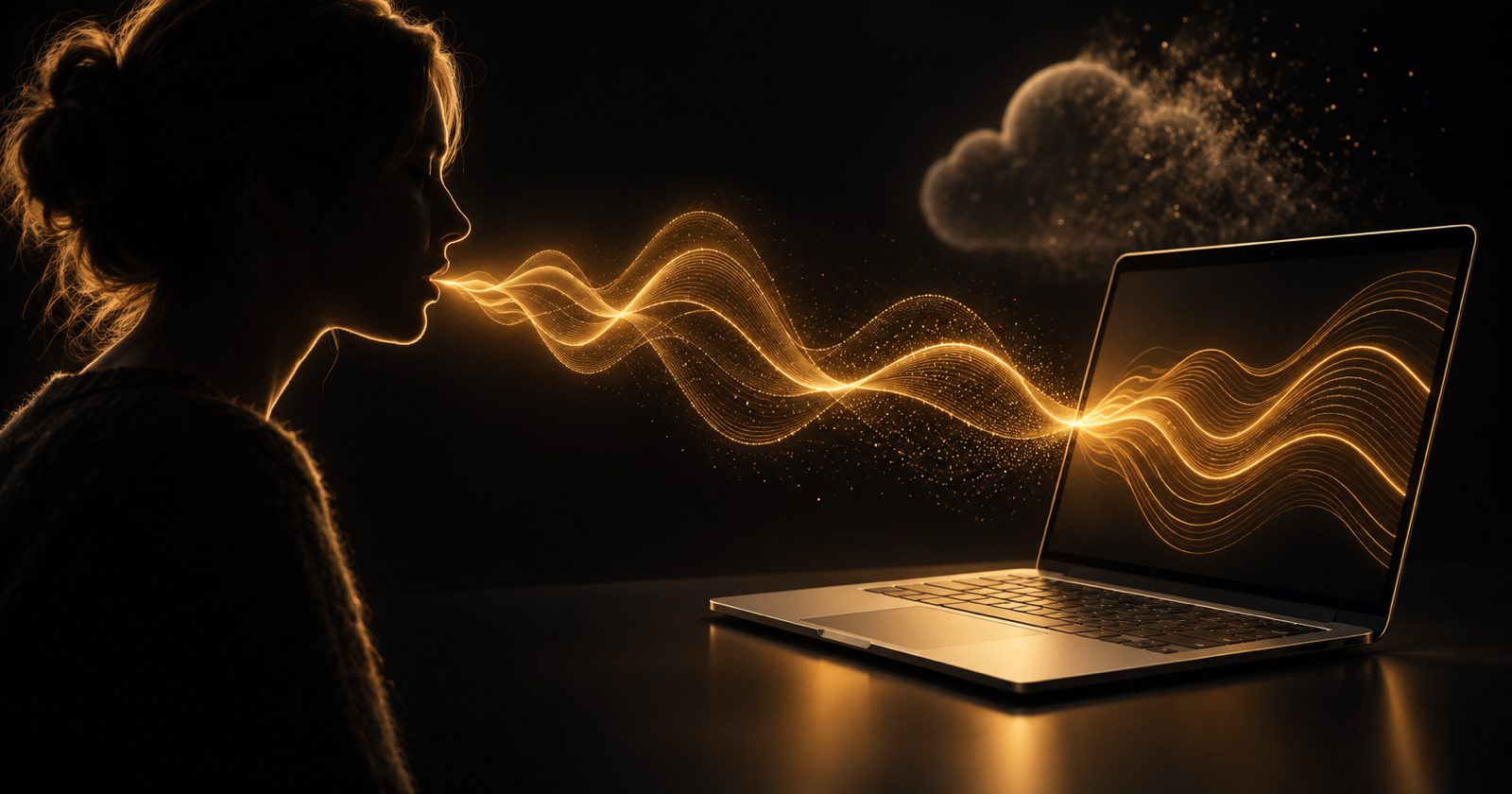
Most dictation products are a microphone and an API key. The audio goes to someone's server, a model runs there, text comes back, and the pricing page has a per-minute number on it because that server costs money to run.
NabuVoice does not have that number, because it does not have that server. The speech models run on your machine.
What actually ships
- Thirteen local speech models — Parakeet TDT v3 as the default, plus Parakeet TDT v2, SenseVoice, Moonshine Base, two Canary variants and seven Whisper builds.
- Local correction models on an embedded llama.cpp running on Metal, from a small Qwen2.5 model up to Qwen3 14B.
- Model recommendations laddered against the RAM you actually have, rather than a single download that may not fit.
- Every model artifact checksummed with SHA-256 and verified before it is loaded.
The part that is harder than the models
Running a speech model locally is, at this point, a solved problem. Getting the text into the application you are already using is not. NabuVoice holds a global push-to-talk hotkey through a native Swift sidecar, then delivers text through the macOS accessibility APIs — with a clipboard-paste fallback for applications that refuse them, because some do.
None of that is glamorous. All of it is the difference between a demo and something you use every day without thinking about it.
Why there is no subscription
Because there is no marginal cost to pass on. There is no inference bill behind a NabuVoice transcription — your Mac did the work. Charging every month for compute you supplied yourself would be difficult to justify, so NabuVoice is a one-time lifetime license instead.
Local-first is not only a privacy position. It is the reason the pricing page does not need a meter.
Want the practical guide? Read how to dictate on a Mac without sending your voice to the cloud.